How to Automate Expense Tracking and Take Control of Business Spending
Learn how automated expense tracking eliminates manual receipt entry, enforces spending policies in real time, and gives small businesses financial clarity.

What Is Automated Expense Tracking?
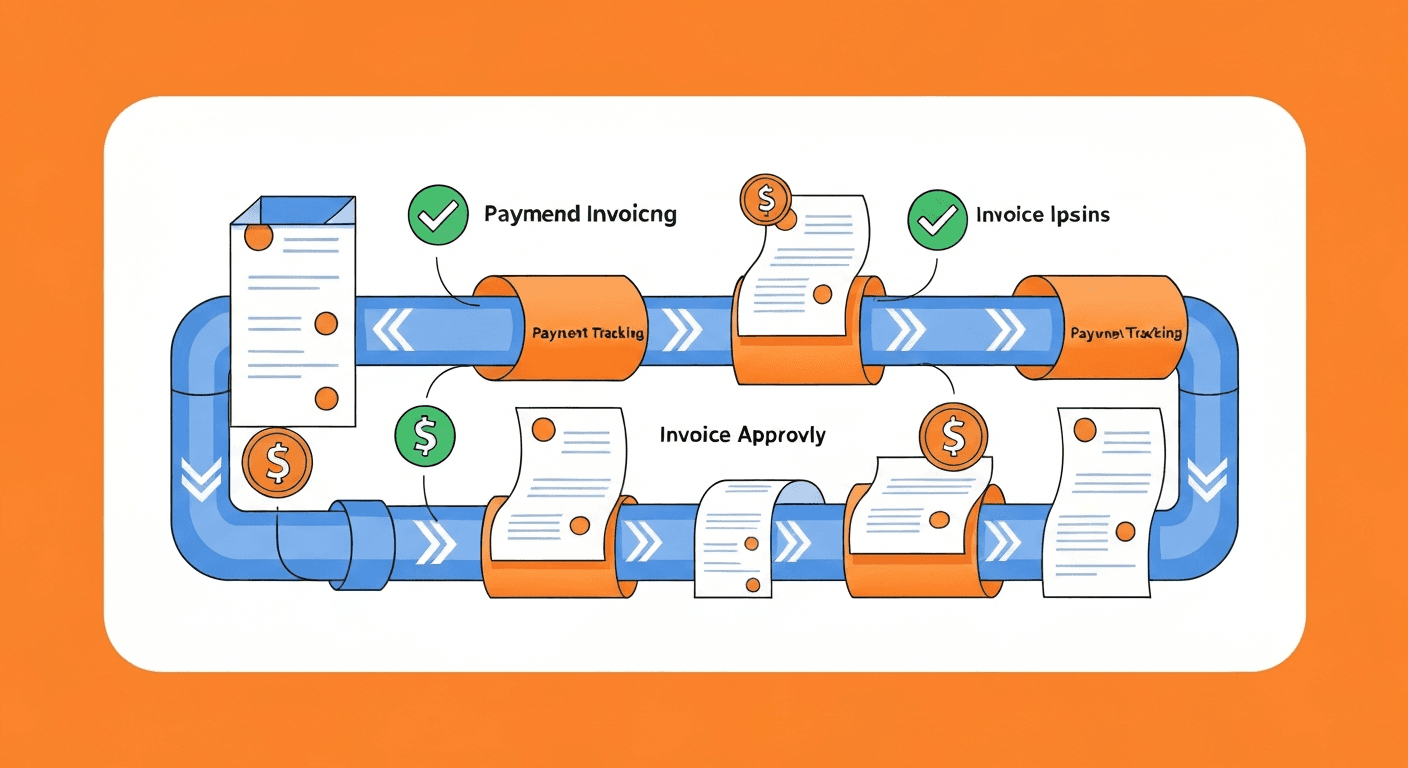
Automated expense tracking is the use of software to capture, categorize, and record business expenses without manual data entry. Instead of collecting paper receipts, filling out spreadsheets at the end of the month, and manually reconciling transactions against bank statements, automation handles these tasks continuously and in real time.
A modern automated expense tracking system works by connecting directly to your business bank accounts and credit cards, importing transactions as they occur, using AI to categorize each expense (meals, travel, software subscriptions, office supplies), and matching them against uploaded receipts. The result is an always-current view of where your money is going, without anyone spending hours on data entry.
For small business owners who wear multiple hats, this is transformative. Instead of dreading the monthly bookkeeping session or scrambling to reconstruct expenses before tax season, you have a clean, categorized ledger that updates itself every day.
Why Is Manual Expense Tracking a Problem?
If you have ever tried to manage business expenses with spreadsheets and shoeboxes of receipts, you already know the pain. But the problems with manual tracking go beyond inconvenience:
- Lost receipts mean lost deductions. The IRS requires documentation for business expense deductions. A missing receipt for a $200 client dinner is a $200 deduction you cannot claim. Over a year, lost receipts can cost thousands in unnecessary tax liability.
- Delayed visibility into spending. When expenses are only recorded weekly or monthly, you are always looking at outdated information. You cannot make informed budget decisions if you do not know what has already been spent.
- Human error is inevitable. Transposing digits, miscategorizing expenses, and forgetting to log transactions are not occasional mistakes; they are structural features of manual systems. Studies suggest that manual expense reports contain errors roughly 20% of the time.
- Time is money. Small business owners report spending an average of 5-10 hours per month on bookkeeping tasks. At any reasonable hourly rate, that time has significant opportunity cost that could be spent on revenue-generating activities.
- Policy violations go unnoticed. Without real-time monitoring, you only discover overspending or out-of-policy expenses after the fact, when it is too late to prevent the cost.
How Does Automated Expense Tracking Work?
The technology behind expense automation has matured significantly. Here is what a typical automated workflow looks like:
Bank and Card Feed Integration
The system connects to your business bank accounts and corporate credit cards through secure bank feeds (using services like Plaid or Yodlee) or direct integrations with your financial institution. Transactions are imported automatically, usually within 24 hours of occurring. Some platforms offer real-time transaction feeds for supported cards.
This eliminates the need to manually enter every coffee purchase, software subscription, or fuel fill-up. The data flows in automatically and is ready for categorization.
AI-Powered Categorization
Once transactions are imported, the system uses machine learning to assign each expense to a category. The AI learns from your behavior over time. If you consistently categorize charges from a specific coffee shop as "Meals and Entertainment," the system will start doing this automatically after a few corrections.
Most platforms come with default category structures aligned to standard accounting charts of accounts and tax categories (like IRS Schedule C for sole proprietors). You can customize these categories to match your specific bookkeeping needs.
Receipt Capture and Matching
This is where automation eliminates one of the most frustrating manual tasks. Modern expense apps let you:
- Snap a photo of a receipt immediately after a purchase using your smartphone
- Forward email receipts to a dedicated inbox that the system monitors
- Automatically extract data from the receipt image using OCR (vendor name, date, amount, tax, line items)
- Match the receipt to the corresponding bank transaction so you have documentation attached to every expense
Some platforms, like Dext (formerly Receipt Bank) and Expensify, can even pull receipts directly from your email inbox by scanning for common receipt formats from vendors like Amazon, Uber, and airlines.
Policy Enforcement and Alerts
For businesses with employees submitting expenses, automation can enforce spending policies in real time:
- Pre-set spending limits by category (for example, $50 maximum for meals, $200 maximum for hotel per night)
- Flag out-of-policy expenses before they are approved, not after
- Require receipt upload for transactions above a certain threshold
- Block duplicate submissions by detecting identical amounts, dates, and vendors
- Send real-time alerts to managers when unusual spending patterns are detected
This shifts expense policy enforcement from reactive auditing to proactive prevention.
What Tools Can You Use for Automated Expense Tracking?
The market offers solutions across every price point and business size. Here are the most effective options:
For Solo Entrepreneurs and Freelancers
- Wave: A free accounting platform that includes bank feed integration, receipt scanning, and expense categorization. An excellent starting point for bootstrapped businesses with simple needs.
- FreshBooks: Combines invoicing, time tracking, and expense management. The mobile app makes receipt capture easy, and bank connections import transactions automatically.
- Hurdlr: Specifically designed for freelancers and self-employed individuals. Tracks mileage automatically using GPS, categorizes expenses, and estimates quarterly tax payments in real time.
For Small to Mid-Sized Businesses
- QuickBooks Online: The market leader for small business accounting includes robust expense tracking with bank feeds, receipt matching, and rule-based categorization. The mobile app is polished and reliable.
- Xero: A strong QuickBooks alternative with excellent bank reconciliation features and a large ecosystem of integrated apps. Popular with businesses that have international operations.
- Expensify: Focuses specifically on expense management and reporting. SmartScan technology reads receipts with high accuracy, and the platform handles multi-level approval workflows for teams.
- Zoho Expense: Part of the broader Zoho ecosystem, it offers corporate card reconciliation, mileage tracking, and per diem management at a competitive price.
For Growing Teams With Complex Needs
- Brex: A corporate card and expense management platform designed for startups and tech companies. Transactions are tracked in real time with automatic receipt matching and integrations with accounting platforms.
- Ramp: Combines corporate cards with expense management software. Offers spending controls at the card level and automatically collects receipts from email.
- SAP Concur: The enterprise standard for travel and expense management. Handles complex multi-entity, multi-currency scenarios but comes with corresponding complexity and cost.
How Do You Set Up Automated Expense Tracking?
Follow this step-by-step process to get your system running:
Step 1: Choose Your Tool
Select a platform based on your business size, accounting software (ensure compatibility), number of users, and budget. Most tools offer free trials, so test two or three before committing.
Step 2: Connect Your Bank Accounts and Cards
Link every account used for business expenses. This includes:
- Business checking and savings accounts
- Corporate credit cards
- Debit cards
- PayPal, Stripe, or other payment platform business accounts
The connection process usually takes just a few minutes per account and uses bank-grade encryption to protect your credentials.
Step 3: Customize Your Categories
Review the default expense categories and customize them to match your chart of accounts. Common categories for small businesses include:
- Advertising and Marketing
- Office Supplies and Equipment
- Software and Subscriptions
- Travel and Transportation
- Meals and Entertainment
- Professional Services (legal, accounting, consulting)
- Rent and Utilities
- Insurance
- Vehicle Expenses and Mileage
Create automation rules for recurring expenses. For example, your monthly Slack subscription should always be categorized as "Software and Subscriptions" without manual review.
Step 4: Set Up Receipt Capture Workflows
Train yourself and your team on the receipt capture process:
- Download the mobile app and practice scanning receipts
- Set up email forwarding rules to auto-route digital receipts to the platform
- Configure the system to prompt for receipt upload when transactions above a set threshold are detected
- Enable auto-matching so the system pairs receipts with transactions automatically
Step 5: Configure Approval Workflows (For Teams)
If you have employees submitting expenses:
- Define who approves expenses for each department or team
- Set approval thresholds (auto-approve under $25, manager approval for $25-$500, VP approval over $500)
- Configure escalation rules for overdue approvals
- Set up notifications so approvers are prompted in real time
Step 6: Run Your First Reconciliation
After a week of transactions flowing in, sit down and review. Correct any miscategorized expenses (this trains the AI), match any unmatched receipts, and verify that bank balances align with your records. This initial calibration session will take 30-60 minutes but saves hours in the long run.
What Are Best Practices for Automated Expense Tracking?
Even with automation, following these practices ensures you get maximum value:
- Scan receipts immediately. The moment you make a purchase, capture the receipt. Waiting even a day increases the chance of losing it. Make it a habit.
- Review transactions weekly. Spend 10-15 minutes each week reviewing and correcting categorizations. This keeps your books accurate and trains the AI to be better.
- Separate personal and business spending. Use dedicated business accounts and cards for all business expenses. Commingling personal and business transactions creates headaches during reconciliation and tax preparation.
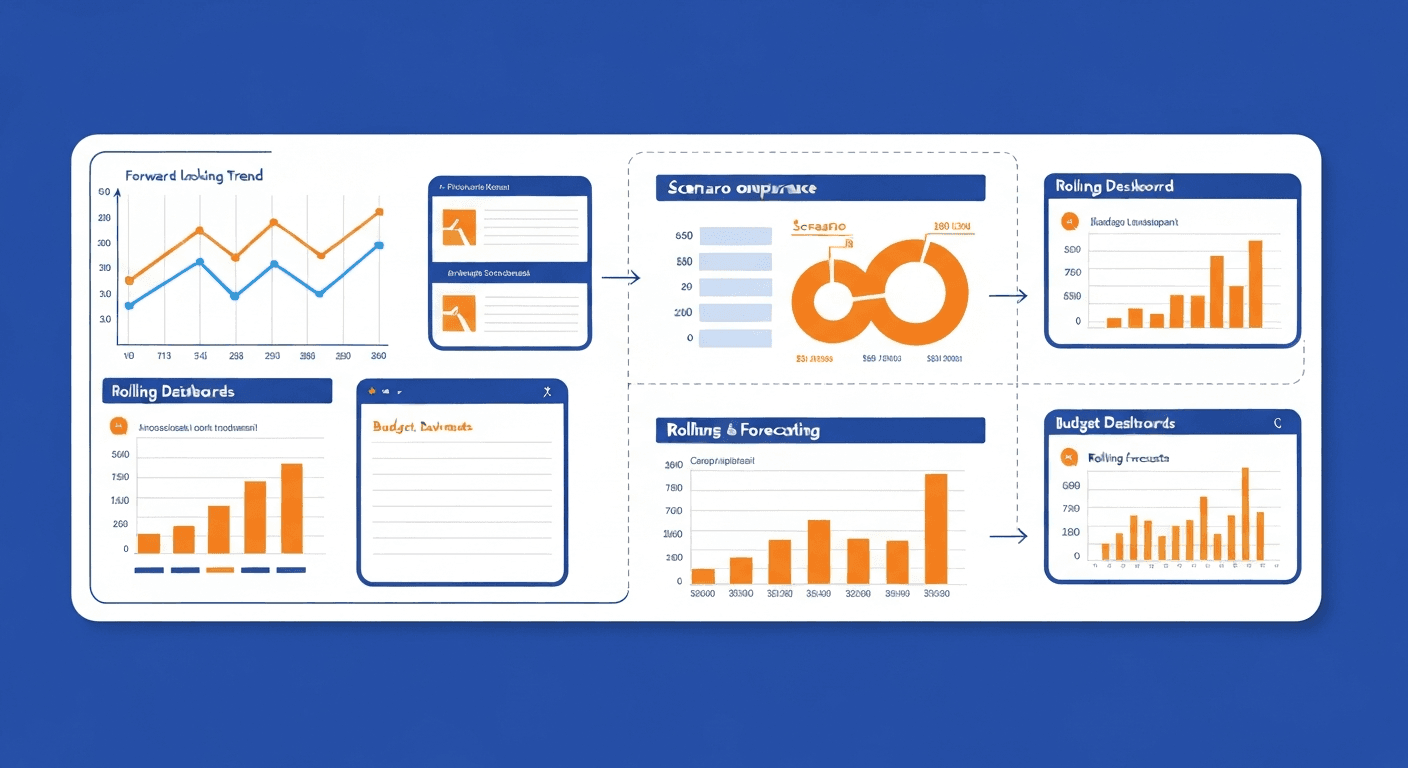
- Set budgets and monitor them. Most expense tracking tools let you set monthly budgets by category. Use this feature to catch overspending early instead of discovering it at quarter-end. For deeper cash-flow planning, pair expense tracking with budgeting and forecasting automation.
- Archive, do not delete. Never delete transactions or receipts, even if they were miscategorized or duplicated. Correct them and keep the audit trail intact. Your accountant and the tax authorities will appreciate this.
- Reconcile monthly without exception. Even with automation, perform a formal monthly reconciliation where you verify that your expense tracking system matches your bank statements. Catch discrepancies early while they are easy to resolve.
How Do You Handle Taxes With Automated Expense Tracking?
One of the greatest benefits of automated tracking is tax preparation simplicity. When every expense is categorized and documented throughout the year, tax season transforms from a frantic scramble into a straightforward export.
Here is how to maximize tax-related benefits:
- Tag tax-deductible expenses as you go. Most platforms let you flag expenses as deductible or assign them to specific tax categories.
- Track mileage automatically. If you drive for business, use GPS-based mileage tracking to log every trip. The standard mileage deduction adds up quickly and requires documentation.
- Separate sales tax. Configure your system to break out sales tax from the expense amount. This matters for businesses that can claim input tax credits.
- Generate tax-ready reports. At year-end, export a categorized expense report that your accountant can use directly. No more reconstructing the year from bank statements.
- Estimate quarterly taxes. Some platforms, like Hurdlr and QuickBooks Self-Employed, estimate your quarterly tax obligation based on income and deductible expenses, helping you avoid underpayment penalties.
What Results Can You Expect From Automating Expense Tracking?
Businesses that implement automated expense tracking typically see measurable improvements within the first month:
- Time saved: 5-10 hours per month reclaimed from manual bookkeeping, data entry, and receipt management.
- Fewer errors: Miscategorized and missed expenses drop by 80% or more once AI categorization is trained.
- Better tax outcomes: Capturing every deductible expense and maintaining proper documentation can reduce tax liability by thousands of dollars annually for small businesses.
- Faster month-end close: With expenses categorized and reconciled continuously, the monthly close process shrinks from days to hours.
- Spending awareness: Real-time visibility into spending patterns helps you identify subscriptions you forgot about, vendors you are overpaying, and categories where spending exceeds budget.
Automated expense tracking is one of the simplest, highest-return automation investments a small business can make. The tools are affordable, setup takes less than a day, and the ongoing time savings compound month after month. Stop wrestling with spreadsheets and receipt piles. Connect your accounts, set up your categories, and let automation handle the tedious work while you focus on growing your business. Once expense tracking is dialed in, the next highest-ROI wins are usually accounts payable automation and payroll automation — both of which feed the same general ledger and automated financial reports.
Harry Harrison
Founder & Editor, Easy Automation
Tech-forward B2B writer and content strategist focused on marketing and finance automation.