Marketing Automation for Small Business: A Practical Guide to Getting Started
Discover how small businesses can leverage marketing automation to save time, nurture leads, and grow revenue without a large team or big budget.
Running a small business means wearing many hats. You are the strategist, the salesperson, the customer service representative, and, more often than not, the entire marketing department. Every hour matters, and the tasks that consume the most time are often the most repetitive: sending follow-up emails, posting on social media, tracking leads, and updating spreadsheets.
Marketing automation gives small businesses the ability to compete with larger companies by handling these repetitive tasks automatically. It is not about replacing the human touch. It is about freeing you up to focus on the work that actually requires it.
This guide walks you through how small businesses can implement marketing automation practically, affordably, and effectively.
Why Should Small Businesses Use Marketing Automation?
The misconception that marketing automation is only for enterprise companies with massive budgets has faded. Today, there are platforms designed specifically for small business needs and budgets. Here is why automation deserves a place in your strategy.
It Multiplies Your Capacity
A single marketer equipped with the right automation tools can accomplish what previously required a team of three or four. Automated email sequences, scheduled social media posts, and triggered follow-ups run in the background while you focus on serving customers, developing products, or closing deals.
It Reduces Human Error
When you are manually sending dozens of emails or updating contact records by hand, mistakes happen. People get the wrong email. Follow-ups slip through the cracks. Data gets entered incorrectly. Automation eliminates these errors by executing tasks consistently and reliably every time.
It Creates a Better Customer Experience
Modern consumers expect prompt, relevant communication. When someone fills out a form on your website and does not hear back for two days because you were busy, that is a lost opportunity. Marketing automation ensures instant, personalized responses regardless of when the interaction happens.
It Provides Measurable Results
Small business marketing budgets are tight. You need to know what is working and what is not. Automation platforms provide clear data on email open rates, click-through rates, conversion rates, and revenue attribution so you can invest your limited resources where they generate the highest return.
What Marketing Tasks Should Small Businesses Automate First?
You do not need to automate everything at once. Start with the tasks that deliver the highest impact relative to the effort involved.
Welcome Email Sequences
When someone subscribes to your email list, makes their first purchase, or creates an account, an automated welcome email sequence is the single most valuable automation you can implement. Welcome emails have significantly higher open rates than standard marketing emails, often exceeding 50%.
A basic welcome sequence might include:
- Immediate welcome email: Thank the subscriber, set expectations for what they will receive, and deliver any promised lead magnet or discount.
- Day 2 follow-up: Share your brand story or introduce your most popular products and services.
- Day 5 value email: Provide a genuinely useful piece of content, such as a guide, checklist, or tip that addresses a common pain point.
- Day 7 soft promotion: Make a specific offer or call to action now that you have established some trust.
This sequence runs automatically for every new subscriber, creating a consistent first impression without any ongoing effort from you.
Abandoned Cart Recovery
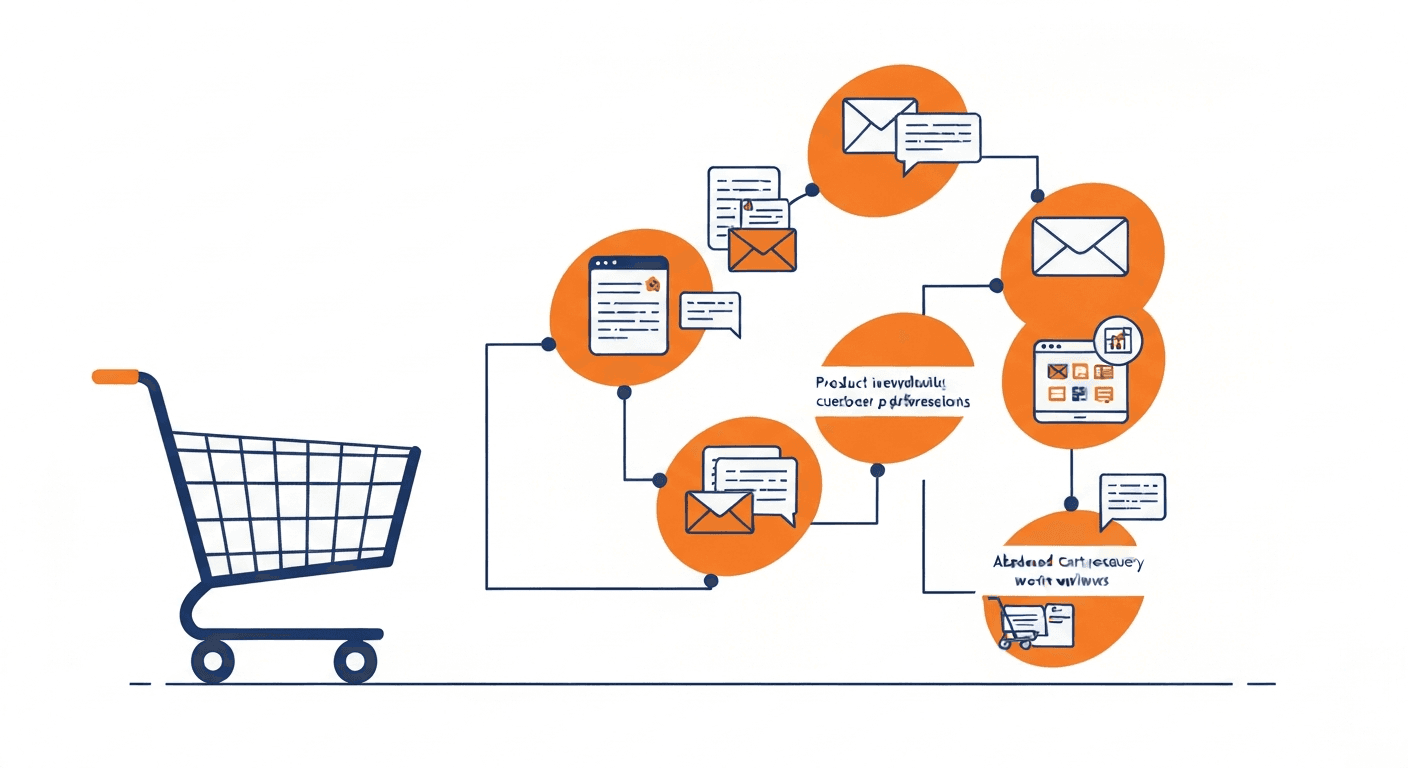
If you sell products online, abandoned cart emails are one of the highest-ROI automations available. Industry data shows that abandoned cart emails recover between 5% and 15% of otherwise lost sales. For a small e-commerce business, that can translate directly into thousands of dollars in recovered revenue each month.
A standard abandoned cart sequence includes:
- 1 hour after abandonment: A gentle reminder with the items left in the cart.
- 24 hours after abandonment: A follow-up that addresses common hesitations, such as shipping costs or return policies.
- 48 hours after abandonment: A final email that may include a small incentive like free shipping or a percentage discount.
Lead Follow-Up and Nurturing
When a potential customer contacts you through your website, requests a quote, or downloads a resource, they expect a timely response. An automated lead follow-up sequence ensures that every inquiry receives an immediate acknowledgment and a structured series of helpful communications.
For service-based small businesses, this might look like:
- Instant reply: Confirm receipt of their inquiry and let them know when they can expect a personal response.
- Day 1: Share a relevant case study or testimonial that demonstrates your expertise.
- Day 3: Provide additional value through a blog post, FAQ, or resource related to their inquiry.
- Day 7: Follow up with a direct invitation to schedule a call or meeting.
Social Media Scheduling
Manually posting on social media every day is one of the most time-consuming marketing tasks for small businesses. Social media scheduling tools allow you to plan and queue an entire week or month of content in a single session. The posts are then published automatically at the optimal times for your audience.
Review and Feedback Requests
Customer reviews are critical for local and small businesses. Automating review request emails after a purchase or service delivery ensures you are consistently building your online reputation without having to remember to ask each customer individually.
How Do You Choose the Right Platform for a Small Business?
Not every marketing automation platform is appropriate for small businesses. Here are the criteria that matter most.
Affordability
Look for platforms with transparent pricing that scales with your growth. Many tools offer free tiers or starter plans that include enough functionality to get meaningful results. Avoid platforms that require long-term contracts or charge high setup fees.
Ease of Use
You likely do not have a dedicated marketing operations specialist on staff. Choose a platform with an intuitive interface, pre-built templates, and strong documentation so you can get started without extensive training. Drag-and-drop builders for emails and workflows are a significant advantage.
Essential Features Without Bloat
You do not need enterprise-grade features right now. Focus on platforms that offer the essentials:
- Email automation with triggers and sequences
- Contact management with basic segmentation and lead scoring
- Form and landing page builders
- Basic reporting and analytics
- Integration with your existing tools such as your website platform, e-commerce system, or CRM
Recommended Tools for Small Businesses
Several platforms stand out for small business use:
- Mailchimp: Excellent free tier, intuitive interface, and broad integration support.
- Brevo: Affordable volume-based pricing that suits businesses with larger contact lists.
- MailerLite: Clean design, generous free plan, and a focus on simplicity.
- ActiveCampaign Lite: More powerful automation at a reasonable starting price for businesses ready to go deeper.
What Does a Small Business Marketing Automation Strategy Look Like?
Implementing marketing automation is not just about choosing a tool. It requires a clear strategy.
Step 1: Map Your Customer Journey
Before building any automations, document the typical path a customer takes from first discovering your business to making a purchase and beyond. Identify the key touchpoints where automation can add the most value. Common touchpoints include first website visit, email signup, first purchase, repeat purchase, and referral.
Step 2: Set Clear, Measurable Goals
Define what success looks like for each automation you build. For a welcome sequence, your goal might be a 40% open rate on the first email and a 5% conversion rate to a first purchase within 30 days. For abandoned cart recovery, you might target recovering 10% of abandoned carts. Specific goals give you a benchmark to measure against and optimize toward.
Step 3: Build Your Foundation
Start with three foundational automations:
- A welcome sequence for new subscribers
- A lead follow-up sequence for inquiries
- A post-purchase thank you and review request
These three automations cover the most critical moments in your customer journey and provide immediate value.
Step 4: Create Quality Content
Automation is only as good as the content it delivers. Invest time in writing genuine, helpful emails that provide real value to your recipients. Avoid the temptation to make every automated message a sales pitch. The businesses that succeed with email automation are the ones that lead with value and earn the right to promote.
Step 5: Monitor, Learn, and Iterate
Once your automations are running, review the data regularly. Look at open rates, click-through rates, unsubscribe rates, and conversion metrics. Identify underperforming emails and test improvements. Small tweaks to subject lines, send times, or email content can produce meaningful gains over time.
What Mistakes Should Small Businesses Avoid?
Even with the best tools and intentions, there are common pitfalls to watch for.
- Automating too much too soon. Start with a few high-impact automations and master them before expanding. Trying to automate everything at once leads to half-finished workflows and inconsistent messaging. See our full list of marketing automation mistakes to avoid.
- Neglecting list hygiene. Remove inactive subscribers regularly. A smaller, engaged list outperforms a large, unresponsive one in every metric that matters.
- Ignoring mobile optimization. Over half of all emails are opened on mobile devices. Ensure your automated emails are readable and attractive on small screens.
- Setting and forgetting. Automation does not mean you can stop paying attention. Review your workflows quarterly at minimum to ensure they remain relevant and effective.
- Being too impersonal. Automation should enhance personalization, not eliminate it. Use subscriber names, reference their specific interests or behaviors, and write in a conversational tone.
Is Marketing Automation Worth It for Small Businesses?
Absolutely. The businesses that implement even basic marketing automation consistently report higher engagement, more qualified leads, and increased revenue relative to the time and money invested. The key is starting simple, choosing the right tool for your size and budget, and committing to ongoing optimization.
You do not need a massive budget or a dedicated marketing team. You need a clear understanding of your customer journey, a willingness to invest a few hours in setup, and a platform that matches your needs. Marketing automation levels the playing field, giving small businesses the ability to deliver the kind of consistent, personalized marketing experience that was once reserved for companies with much larger resources.
Frequently asked questions
Harry Harrison
Founder & Editor, Easy Automation
Tech-forward B2B writer and content strategist focused on marketing and finance automation.